ShowRevue User Guide
ShowRevue is the show recorder for live production, on a Mac. It records your tech, your dress and every show. It films the stage, and while it's rolling it logs what the rest of the show is doing: the LX cues off the desk, the sound and video cues out of QLab, the timecode, and the notes people take in the room. It all lands on one timeline. It can also put the live picture and show state on screens around the building with Stage Display.
A session set as a Show is show-safe: no cue commands go to the console while it records, and Stop needs a hold. See Show Safety.
Start a production with the Launch New Show wizard: it walks you through the show details and acts, the camera and program audio, your lighting console, media server and timecode, then the cloud show and team, and writes a .srshow project at the end. Skip it for the quick path and set things up later in Preferences.
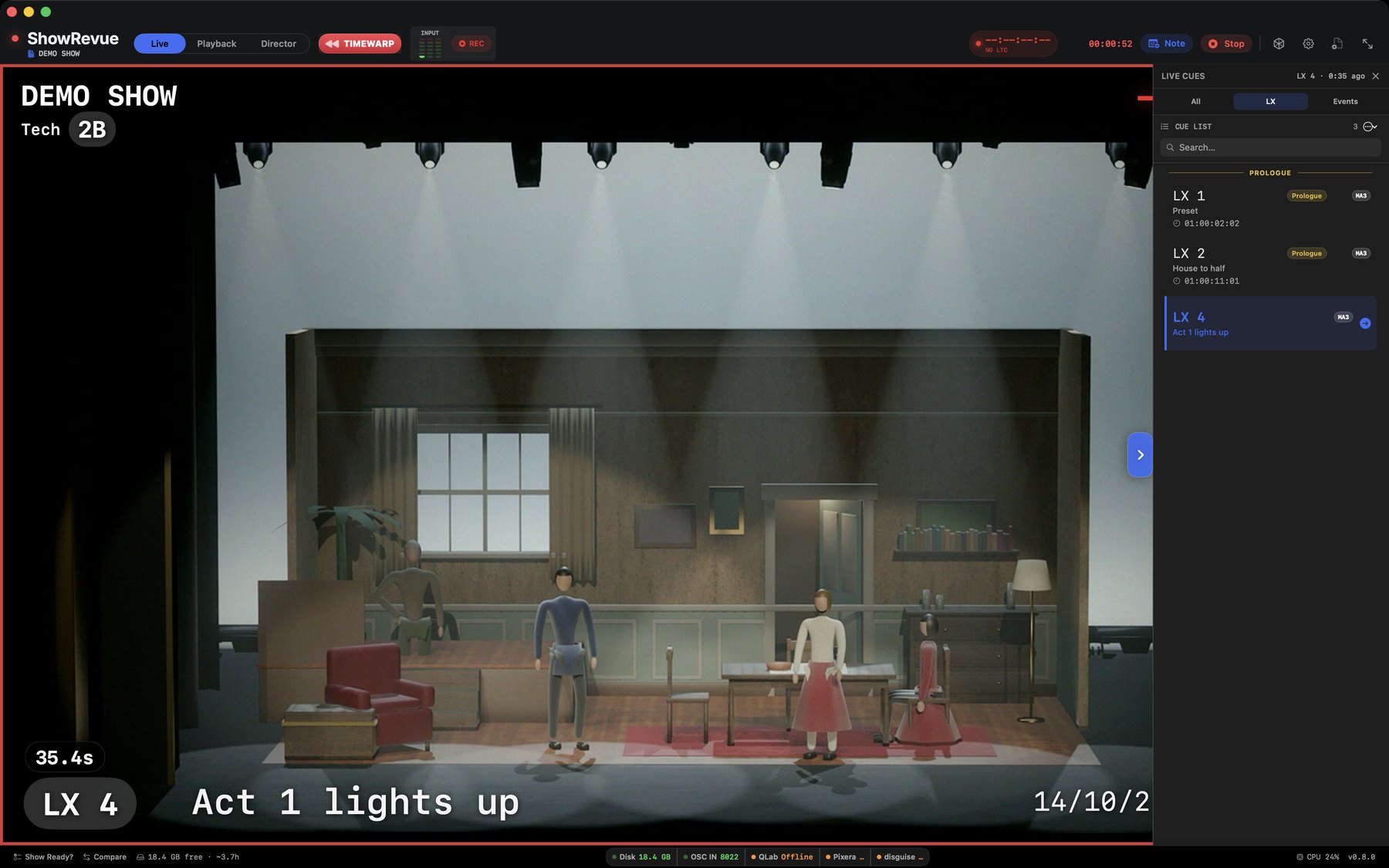
The Live tab. Camera feed with the lighting-cue overlay, ready to record.
Start here
- Quick Setup
- Launch New Show
- Setup and Recording
- Playback and Cues
- Director View
- Sharing and the Web Viewer
- grandMA3
- grandMA2
- ETC Eos
- QLab
- Stage Display
- RTMP Streaming & NDI Output
- Live Notes
- Hardware Requirements
- Timecode
- MIDI Setup
- Companion Module
- Reports
- Scheduling
- Preferences
- OSC Remote Control
- Licence Tiers
What ShowRevue covers
- camera and audio recording for rehearsals, dress runs, and performances,
- standard shareable
.movand.mp4recordings that also reopen in ShowRevue with cue data and metadata, - cue-aware playback with loop tools and exports,
- OSC and MIDI integration with show-control systems,
- browser-based live status and note capture for the wider team.