Yamaha (RCP)
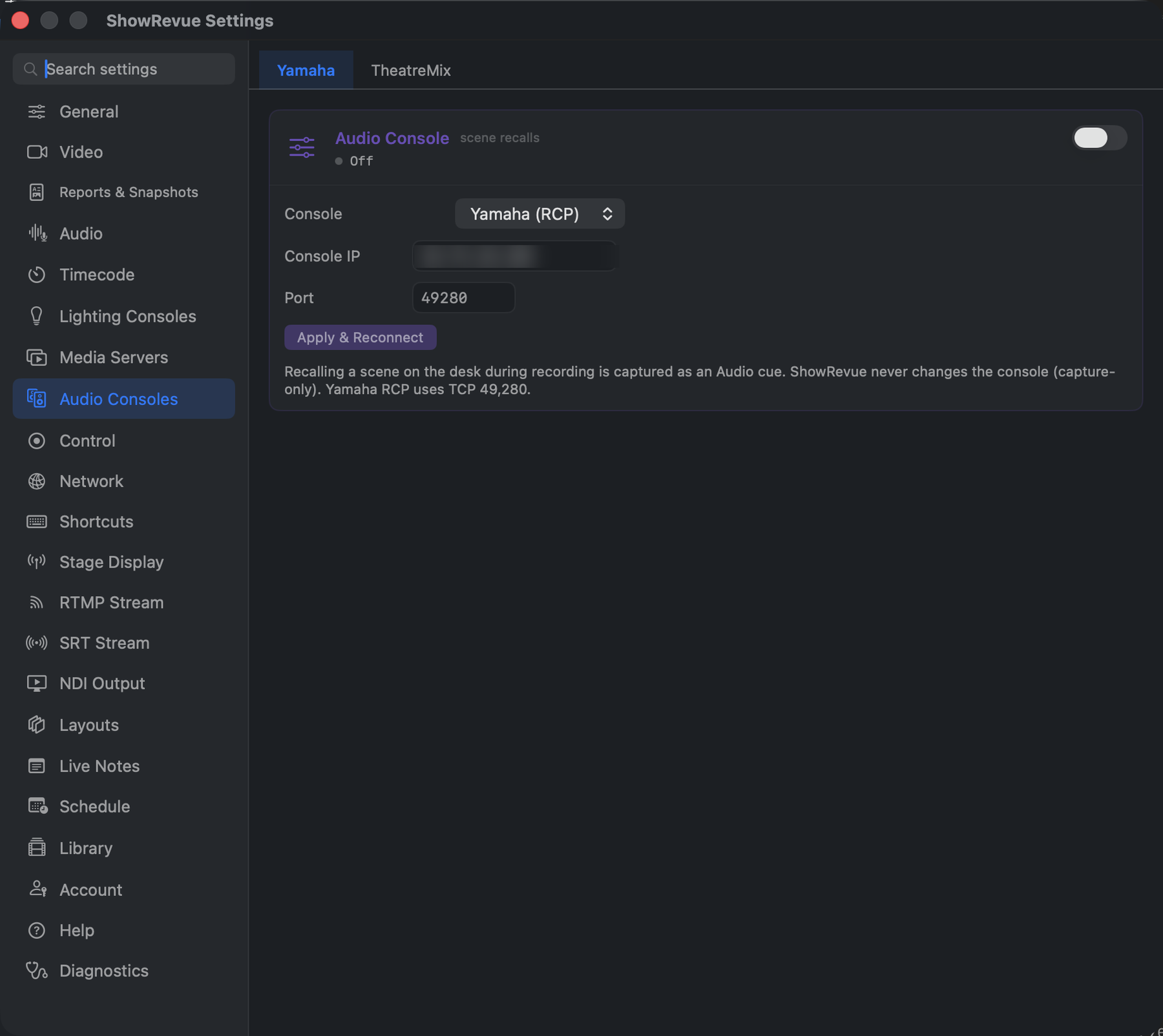
Preferences → Audio Consoles → Yamaha: console IP and RCP port for scene-recall capture.
ShowRevue connects to Yamaha consoles over RCP (Remote Control Protocol) and captures scene recalls as audio cues. When an operator recalls a scene on the desk during a recording, ShowRevue logs it on the cue list with the scene number and name.
ShowRevue is capture-only for audio consoles. It never recalls scenes or changes anything on the desk. It only listens.
Supported: DM7, DM3, TF, CL, QL, and Rivage PM series. There's no licence gate on it.
Running TheatreMix? It has its own connection: see TheatreMix.
Setup
In ShowRevue:
- Open Preferences → Audio Consoles → Yamaha.
- Set Console IP to the console's network address.
- Confirm the Port is
49280(Yamaha RCP uses TCP 49,280). - Enable the integration and click Apply & Reconnect.
- The status changes to Connected, and the monitor shows the console model
(e.g.
OK devinfo productname "DM7").
On the console: no special configuration is required. RCP listens on TCP 49280 by default. Just make sure the console and the Mac are on the same network.
Test it:
- Start a recording in ShowRevue.
- Recall a scene on the desk.
- Confirm an Audio cue appears in the Cues panel with the scene number and name.
Scene numbers by model
- DM7 / TF / DM3 store scenes in banks (A/B) addressed as
scene_a/scene_b, using a 0-based index. ShowRevue converts it to the operator scene number (soscene_a 10is captured as Scene 11). - CL / QL / Rivage PM report the scene number directly.
The scene name isn't included in the recall message, so ShowRevue makes a quick read-only query for the title and attaches it to the cue.
Troubleshooting
- Not connecting. Confirm the console IP and that TCP 49280 is reachable (same subnet, no firewall blocking it).
- Cues captured but the number looks off by a fixed amount. Set
showrevue.audioConsole.sceneNumberOffset(defaults to+1on banked DM7/TF/DM3,0on CL/QL/Rivage) to correct it without an update. ERROR … InvalidArgumentin the monitor. Harmless; it just means a probe didn't apply to that model. Scene recalls are still captured from the console's own notifications.