Audio Consoles
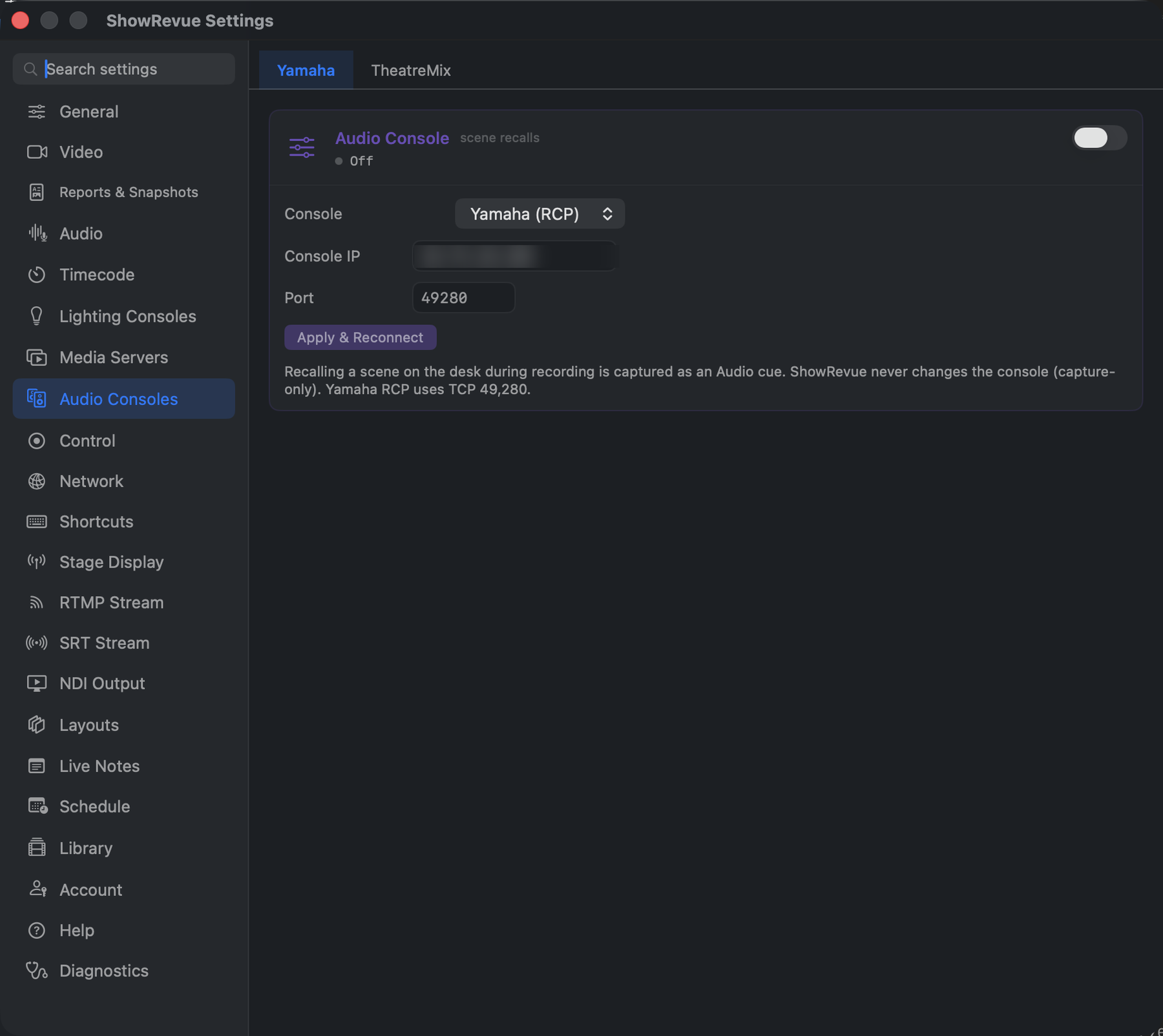
Two sub-tabs: Yamaha and TheatreMix. Neither is licence-gated. Desk-side setup: Yamaha.
Yamaha
Console (Yamaha), Console IP, Port (Yamaha RCP is TCP, default 49280), then Apply &
Reconnect.
Recalling a scene on the desk during a recording is captured as an Audio cue, and can be put on the overlay with the Audio Scene widget.
ShowRevue never changes the console. It won't recall a scene or touch anything on the desk; the connection is strictly one-way. The same goes for TheatreMix.
TheatreMix
Subscribe to TheatreMix, then its host (default 127.0.0.1) and port (default 9000).
Point it at the machine running TheatreMix: its OSC port, not ShowRevue's own OSC-In port. This is an outbound subscription: ShowRevue asks TheatreMix for its event stream and records each cue it fires as a show event. The current cue can go on the overlay with the TheatreMix Cue widget.