Diagnostics
Read-only. This is the tab to open when something isn't behaving and you need to know what ShowRevue thinks is true. And the tab to screenshot when you email us.
What it shows
- License. Tier, whether the licence is valid, whether this Mac is activated, the account, and a masked key and machine ID. Signed in, it also shows the cloud trial state and a Request 3-day cloud trial button.
- Playback / Decode. The loaded file, its duration, playback fps, current timecode, and whether timecode was extracted from the recording.
- Cue Load. The cue count, the metadata file, its state (Loaded / Recovery only / Missing) and the active cue. If a recording opens with no cues, this is the first place to look.
- Signals. LTC and detected fps, whether the console input and OSC control listeners are running, which console was detected, and the connected MIDI sources.
- Console / Log Files. Reveal Logs, the log directory path, and a live tail of the last 120 log entries with errors in red and warnings in orange.
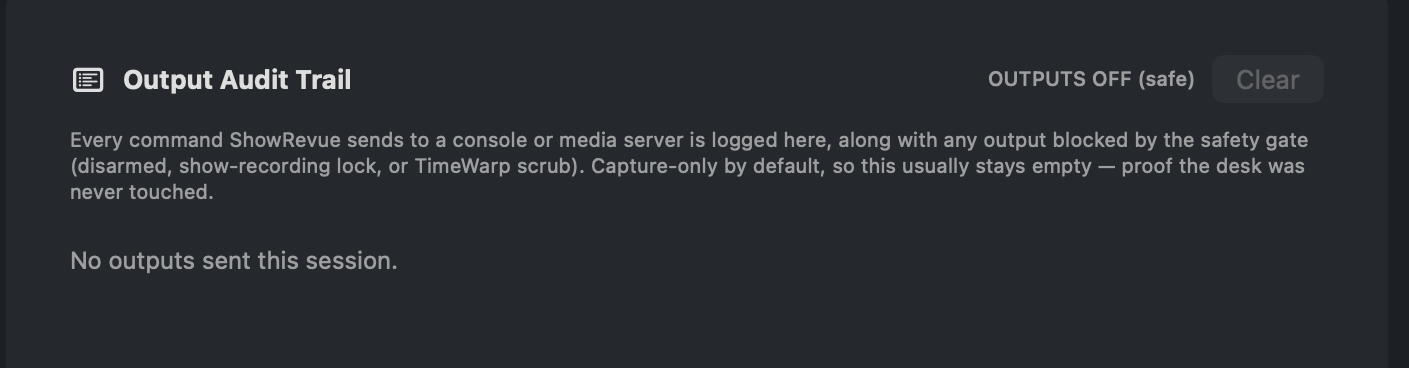
- Output Audit Trail. Every command ShowRevue sends to a console or media server, and every one the safety gate blocked (outputs disarmed, a Show recording, or a Time Warp scrub). A badge reads OUTPUTS ARMED or OUTPUTS OFF (safe), and Clear empties the list. It usually stays empty, which is the point: it's proof the desk was never touched. See Show Safety.
The privacy-first usage statistics, crash reports, the bleeding-edge update channel and the preferences reset are all in General.