Help
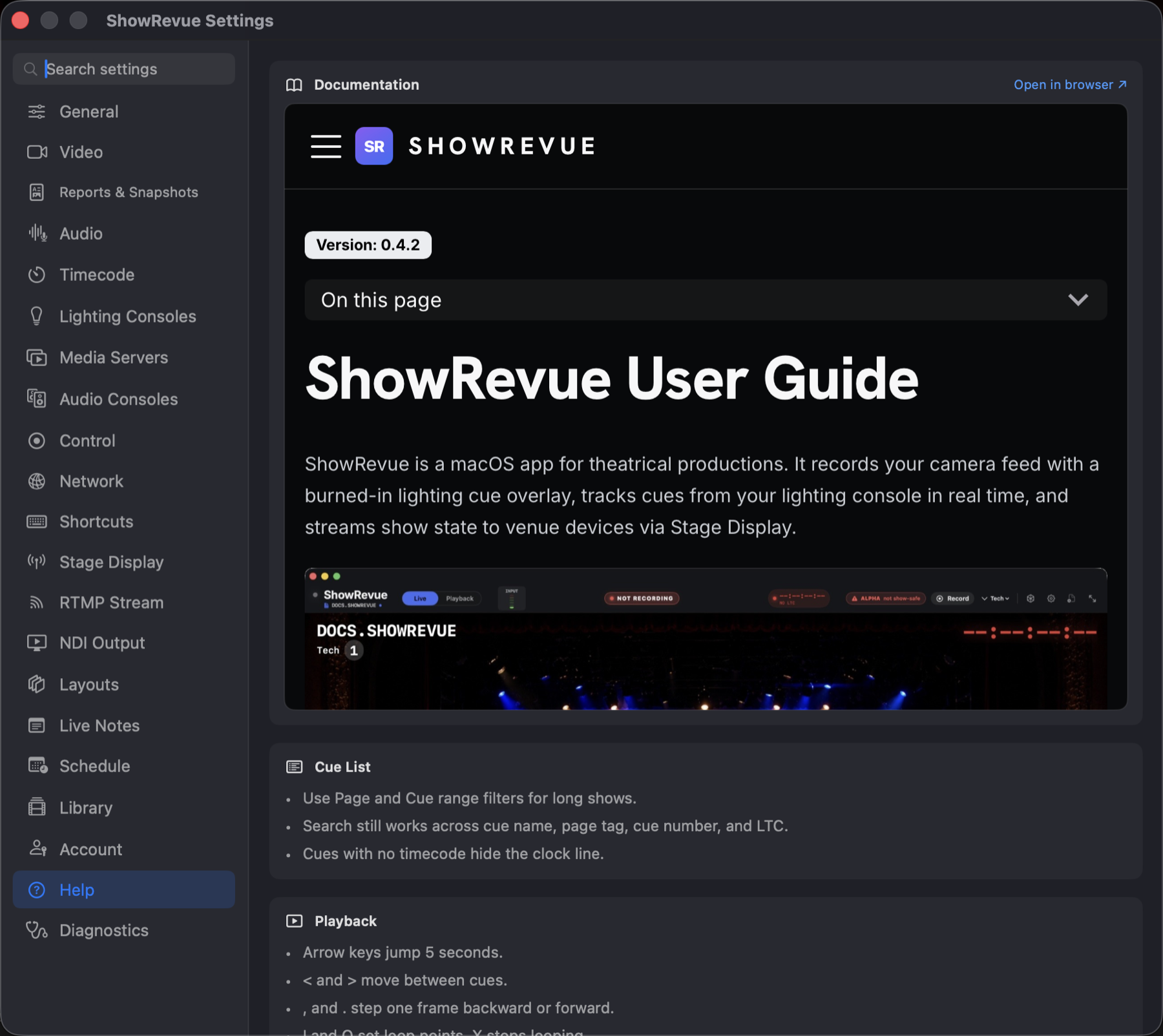
These docs, embedded in the app, the same site you're reading now, with an Open in browser ↗ link if you'd rather have it in a window of its own.
Underneath are a handful of quick tips:
Cue list. Use the Page and Cue range filters on long shows. Search works across cue name, page tag, cue number and LTC. Cues with no timecode hide the clock line.
Playback. Arrow keys jump 5 seconds, < and > move between cues, , and . step one frame,
I / O set loop points and X stops looping. (The full list is in Shortcuts.)
Recording. Cues and notes travel with the recording: inside the .mp4 for H.264, or in a
_cues.json beside a ProRes LT .mov. The recordings browser reads them from there. Diagnostics tells you whether the current
recording's metadata is present and loaded.