Media Servers
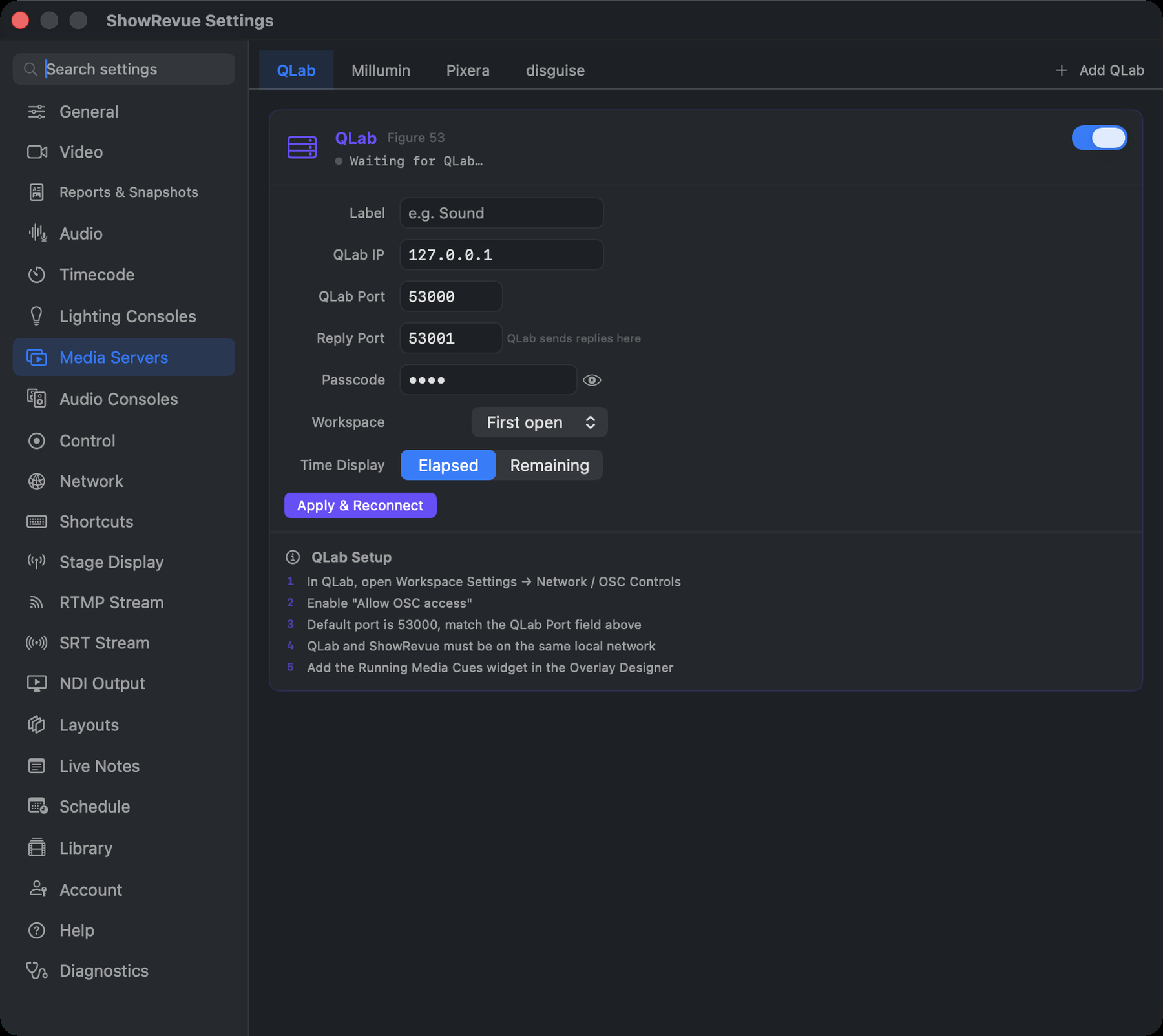
Four sub-tabs (QLab, Millumin, Pixera, disguise) each with an on/off switch, its ports, an Apply button and a numbered setup guide. Connecting needs no licence, but firing QLab or a media server cue from a recording needs Professional. Full guides: QLab, Millumin, Pixera, disguise. Pixera and disguise are off by default.
QLab
It has to be QLab 5. If the status says connected but access denied, the workspace hasn't allowed
OSC access yet, or the passcode doesn't match. Give ShowRevue control access in QLab if you want to
fire cues back later; view access only lets it watch. Leave the reply port at 53001.
| Setting | Default |
|---|---|
| QLab IP | 127.0.0.1 |
| QLab Port | 53000 |
| Reply Port (QLab sends replies here) | 53001 |
| Passcode | optional |
| Time Display | Elapsed / Remaining |
Professional and Max can link up to four QLab computers. Add QLab (in the tab strip) opens each extra one in its own tab with the same settings, plus a Label. They share the one reply port. See Several QLab computers.
Millumin
Listen Port 5005, Millumin IP 127.0.0.1, Send Port 5000 (where Follow Show fires columns back).
Millumin's feedback port defaults to 8000, the same port ShowRevue's console OSC cue input uses. Change Millumin to 5005 to match the listen port above.
Pixera
Listen Port 5006, Pixera IP 127.0.0.1, Send Port 1234. Live timeline playhead (Native API)
polls Pixera's JSON/TCP API (port 1400) for a live progress bar.
The Native API's monitoring is poll-only (no cue-fire subscription), so ShowRevue takes fires over
OSC: map your cues in Pixera Control (or a per-cue Network Command set to OSC) to
/showrevue/cue [number, "name"]; /showrevue/stop closes the running cue.
disguise
Listen Port 7400, disguise IP 127.0.0.1, Send Port 7401. Also use as timecode source feeds
disguise's timecodeposition into Timecode. It's followed when no source above it in
Source Priority is live; by default it's last.