Shortcuts
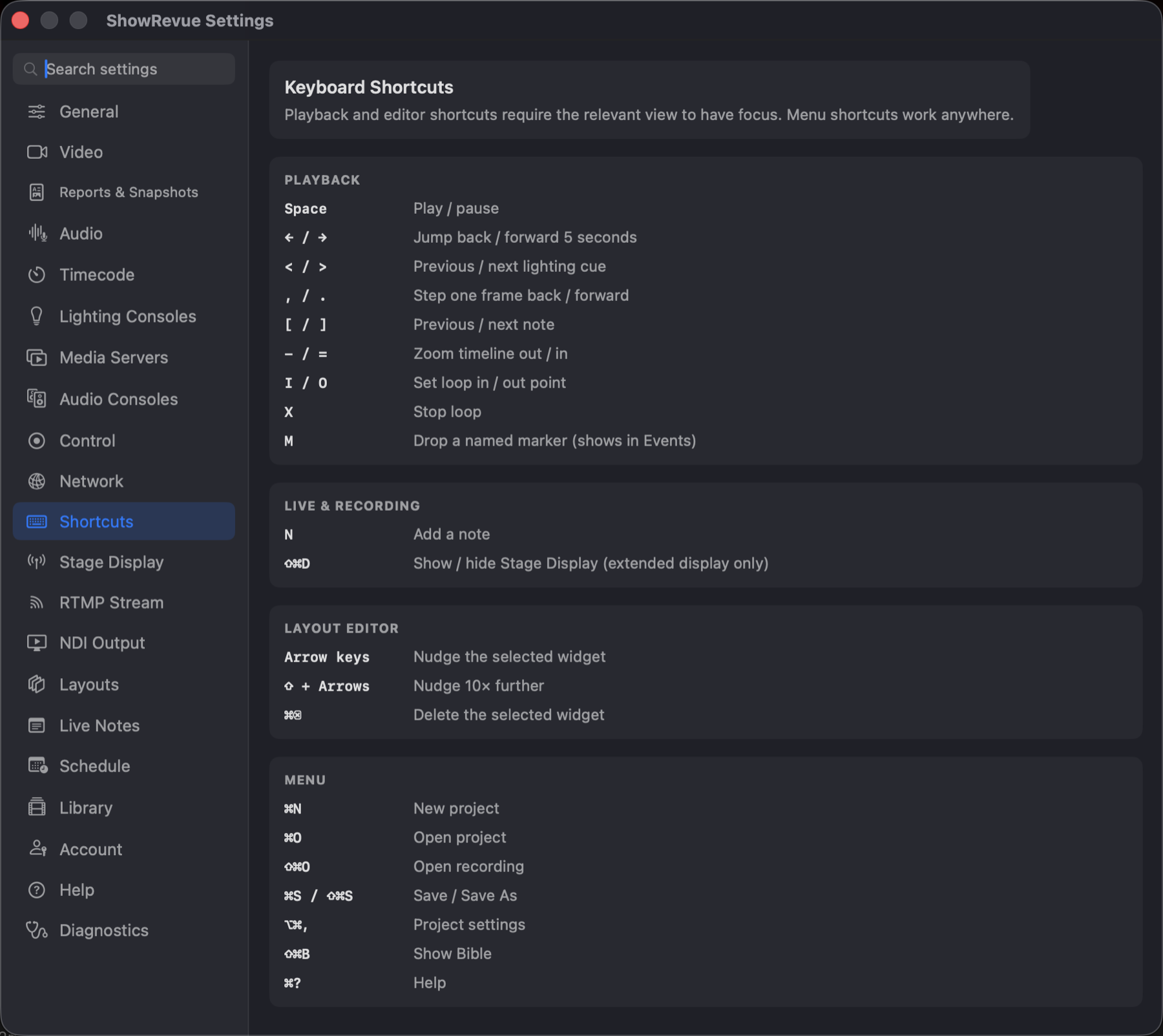
A reference list, nothing to configure, and shortcuts can't be rebound. Playback and editor shortcuts need the relevant view to have focus; menu shortcuts work anywhere.
Playback transport keys are focus-scoped: Space and ← / → only drive the transport while the
video surface has focus. A focused text field keeps its own space bar and arrow keys, so typing a
note never pauses playback or jumps the playhead.
⇧Space is the exception: it works whatever has focus (the cue list, the timeline, a button), and
only gives way while you're typing in a text field.
Playback
| Key | Action |
|---|---|
Space | Play / pause |
⇧Space | Play from where the last play started (Playback ▸ Play from Last Start) |
← / → | Jump back / forward 5 seconds |
< / > (⇧, / ⇧.) | Previous / next cue (Playback ▸ Previous Cue / Next Cue) |
, / . | Step one frame back / forward |
; / ' | Previous / next media cue |
[ / ] | Previous / next note |
⌥[ / ⌥] | Previous / next cuepoint |
J / K / L | Shuttle back / stop / forward; press J or L again to go faster |
1–0 | Drop a marker tagged with that department |
− / = | Zoom timeline out / in |
I / O | Set loop in / out point |
X | Stop loop |
M | Drop a named marker (shows in Events) |
C | Drop a cuepoint (shows in Cues) |
Live & recording
| Key | Action |
|---|---|
⌘R | Record |
N | Add a note |
1–0 | While recording, start a note already tagged with that department |
⇧⌘F | Drop a flag |
C | Drop a cuepoint at the live position, no dialog |
⇧⌘D | Show / hide Stage Display (extended display only) |
Layout editor
| Key | Action |
|---|---|
| Arrow keys | Nudge the selected widget |
⇧ + arrows | Nudge 10× further |
⌘⌫ | Delete the selected widget |
Menu
| Key | Action |
|---|---|
⌘N | New project |
⌘O | Open project |
⇧⌘O | Open recording |
⌘S / ⇧⌘S | Save / Save As |
⌥⌘, | Project settings |
⇧⌘B | Show Bible |
⌘E | Export recording |
⌥⌘E | Export session summary |
⇧⌘E | Export still |
⇧⌘R | Generate reports |
⌘? | Help |